Connecting the Scoreboard
Point a mat's IpponBoard scoreboard app at your tournament — no pairing code, just sign in (☁ Account) and pick the event (🏆 Tournaments). Scores flow straight back.
Matches are scored on the IpponBoard scoreboard app at each mat, not in the web dashboard. There's no pairing code — a mat connects by signing in and choosing your tournament, and you pick the mat number on the device itself. Every score and final result flows back to the tournament automatically.
Before you connect
Make sure your tournament exists and has been drawn so there are fights to score. Each scoreboard signs in with an account that has access to the tournament — that's any member of the organising club or organisation (a Scorer role is enough), the club's coaches at its own tournaments, or a volunteer scorer you've added (below).
Volunteer scorers
Parents and helpers can score with their own account, without a club or organisation role. They get a scorer's rights only (claim a mat, score bouts, record results and weigh-in outcomes) and never see the club's or organisation's records, payments or settings.
Add them
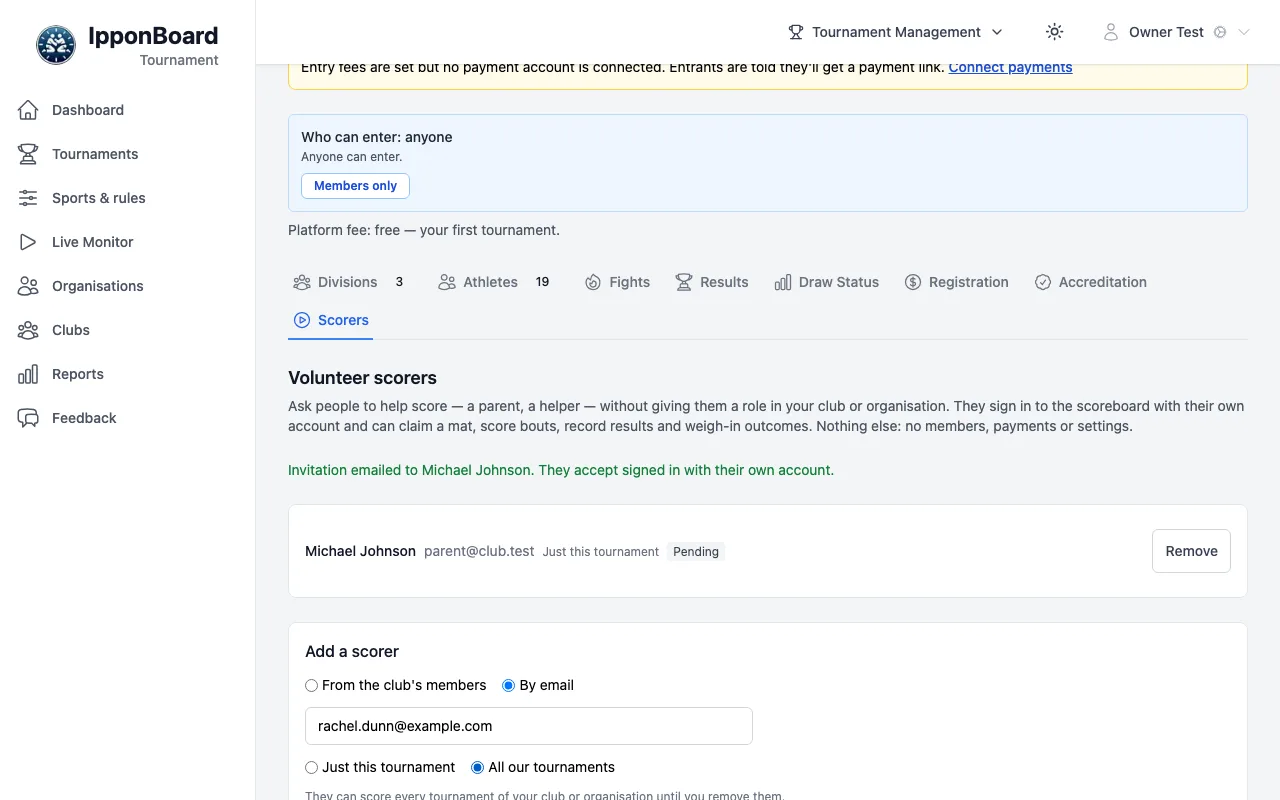
On the tournament, open the Scorers tab. Under Add a scorer, choose From the club's members (a club's tournament) and search for them, or By email and type their email. Pick Just this tournament (the default; it ends when the tournament finishes) or All our tournaments (every tournament of your club or organisation, until you remove them), and click Add scorer. They're emailed.
They accept
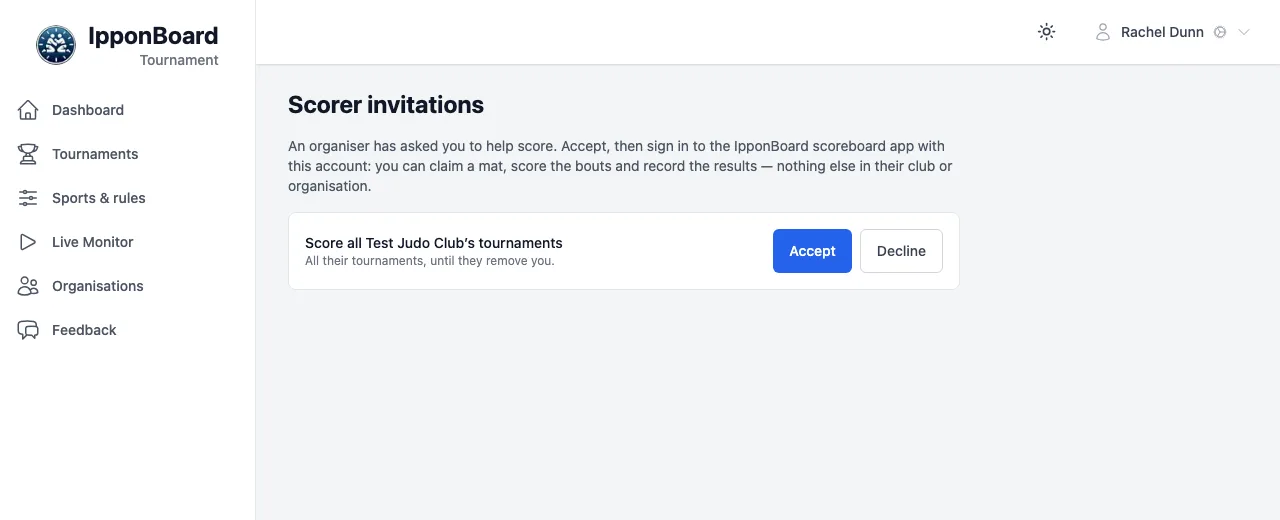
They sign in (or sign up) with that email (verified) or, for a member you picked, their own account, open Scorer invitations (/scorer-invitations) from the email, and click Accept (or Decline).
They score
On the IpponBoard scoreboard app they sign in (☁ Account) with the same account; the tournament appears under 🏆 Tournaments, and they connect a mat as below.
The Scorers tab lists this tournament's volunteer scorers and your "All our tournaments" ones, each Pending until they accept and then Active. Remove ends someone's scoring straight away.

Connect a mat
Two buttons at the right of the scoreboard's top bar do this: 🏆 Tournaments (tooltip Tournaments — join one) and ☁ Account (tooltip Account — sign in; the cloud is crossed out while signed out).

Sign in (☁ Account)
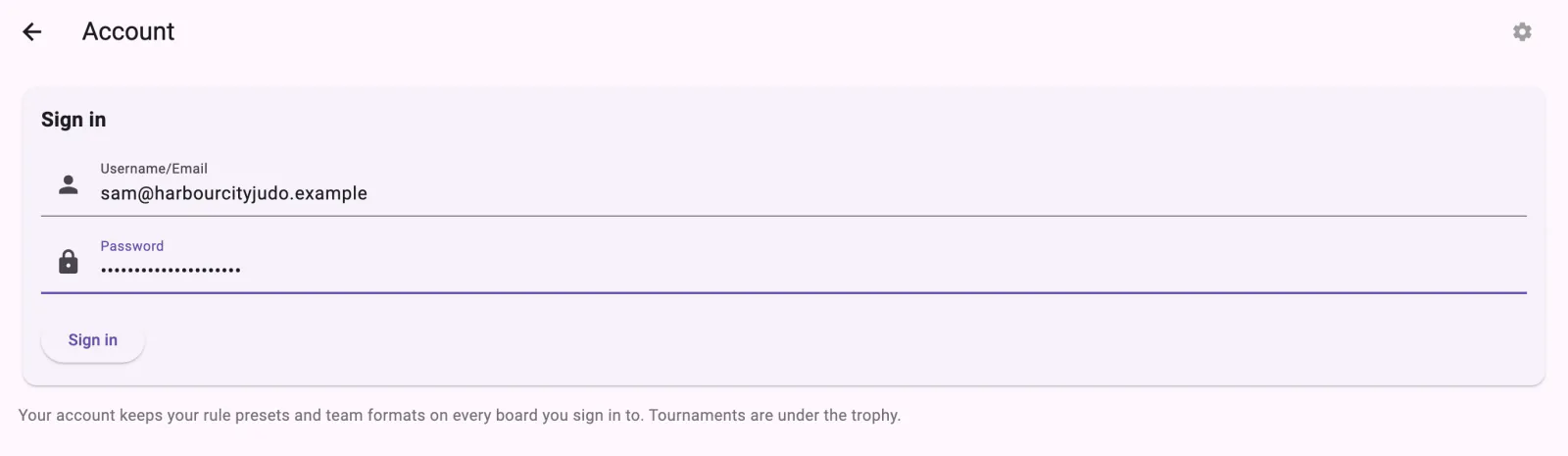
Tap the cloud to open Account. In the Sign in card, enter your Username/Email and Password, then tap Sign in. It shows Authenticating... while it works; if the details are wrong, it says Authentication failed. Please check your credentials.
Open 🏆 Tournaments, name the board, check the server
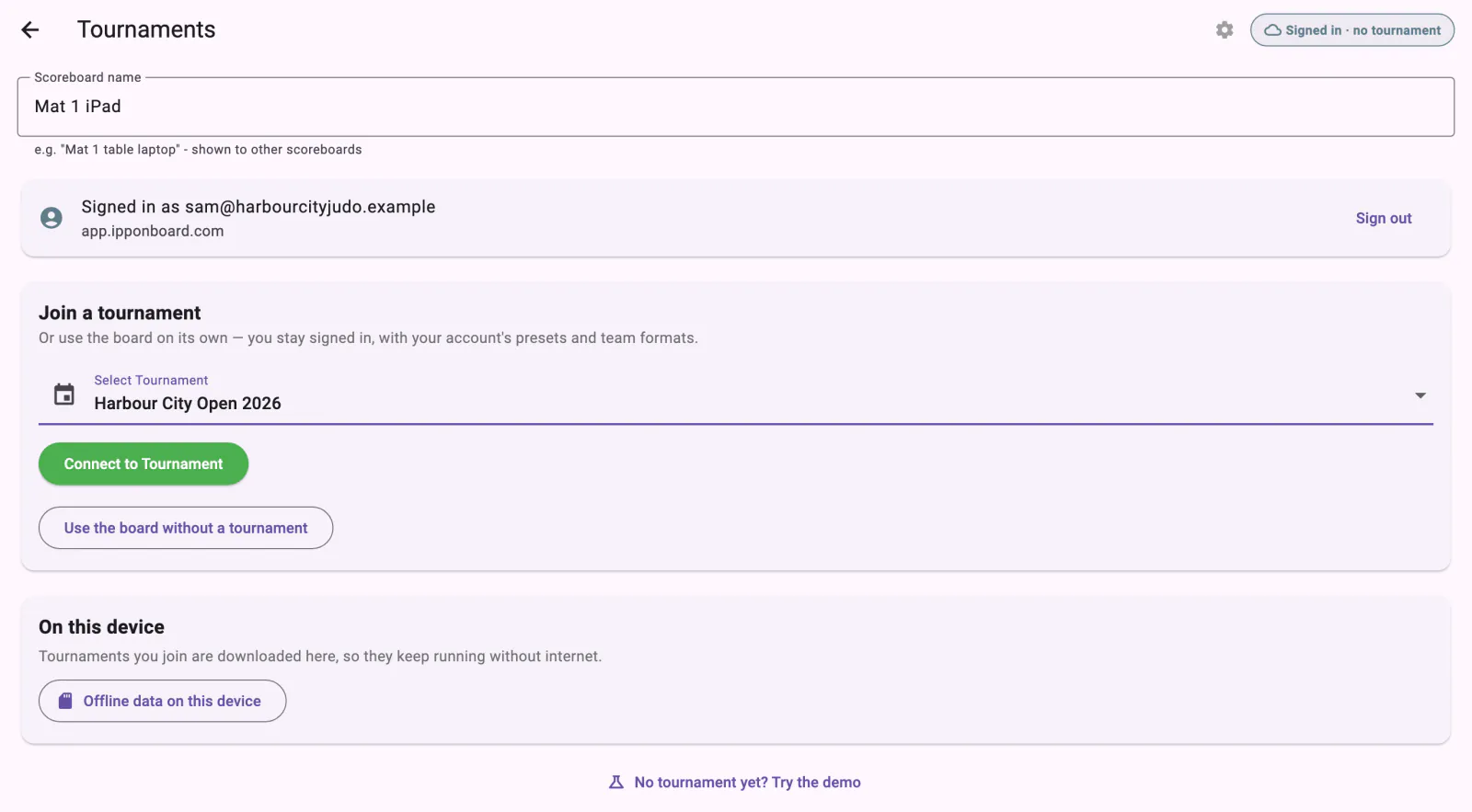
Tap the trophy to open Tournaments. Fill in Scoreboard name (e.g. "Mat 1 table laptop") — other scoreboards see it. The server defaults to https://app.ipponboard.com. To change it, tap the gear to open Server Settings, enter the base URL only (no paths) as the Server URL, and Save (Reset to Default puts it back). Most people never need to touch this.
Join the tournament
In the Join a tournament card, choose your event from the Select Tournament dropdown and tap Connect to Tournament. You'll see Connected to Tournament, with Change Tournament, Leave tournament and Go to Scoreboard. (Not running one today? Use the board without a tournament keeps you signed in. With nothing to join, the card says No tournaments to join on this account yet.)
Choose the mat
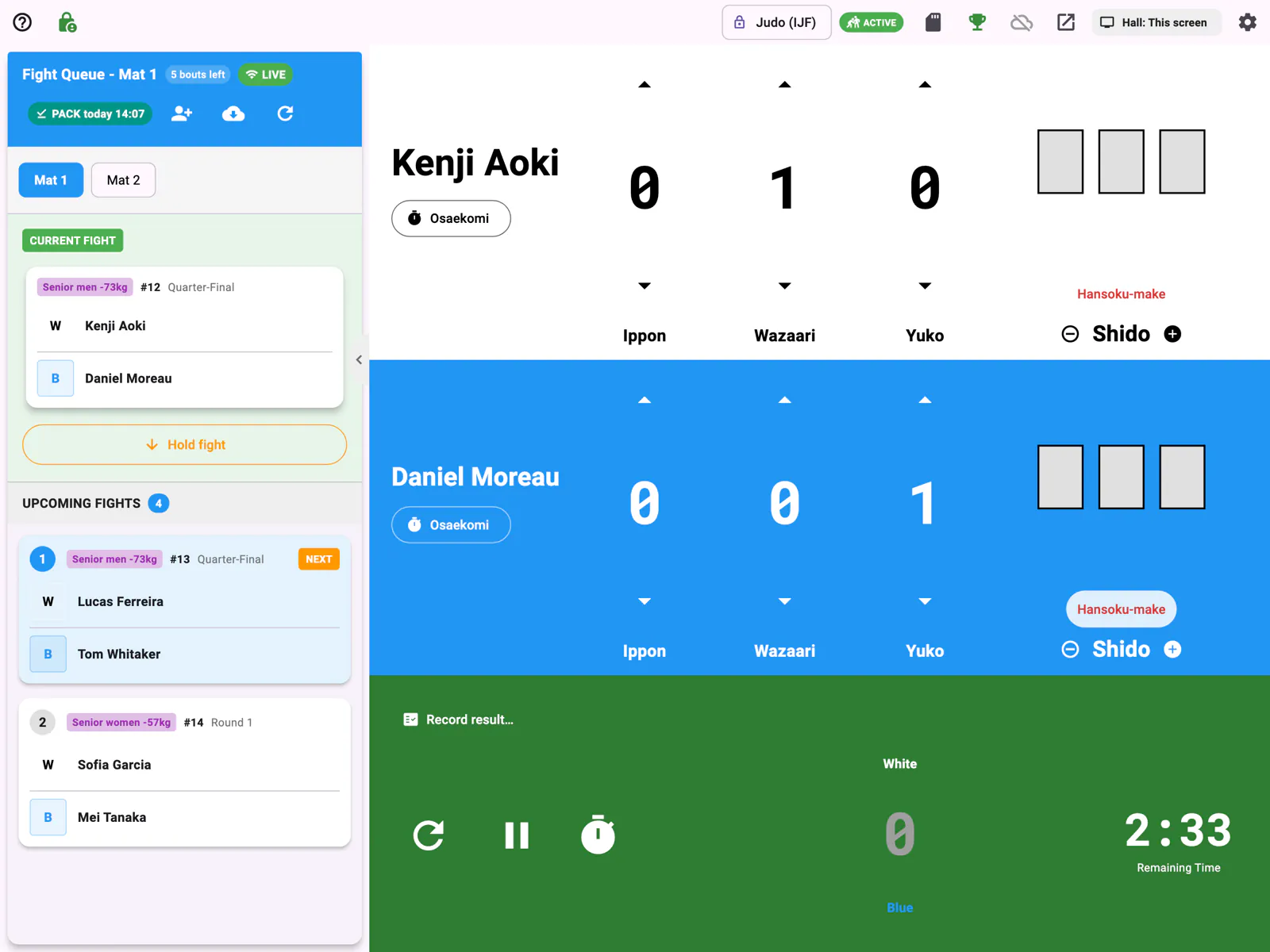
On the scoreboard, the Fight Queue panel shows a row of mat chips — Mat 1, Mat 2, and so on. Tap the number for this mat; the panel header becomes Fight Queue - Mat N and shows only that mat's fights. The mat is chosen here on the device, not during connection, so the same tournament can run on several mats at once — each device just picks its own number.
Before the mat starts: practice
On a mat that hasn't started that day, the board waits on a screen such as Mat 1 starts at 9:00 (or not started yet). Practise puts it in practice mode — PRACTICE shows on the board and nothing is recorded or sent — and Done practising goes back. Start Mat 1 loads the first bout and tells the tournament the mat has started, so the Control page shows, for example, Mat 1 · started 9:02. The same practice option comes up before the final block (Final block starts at 15:30).
If the internet drops
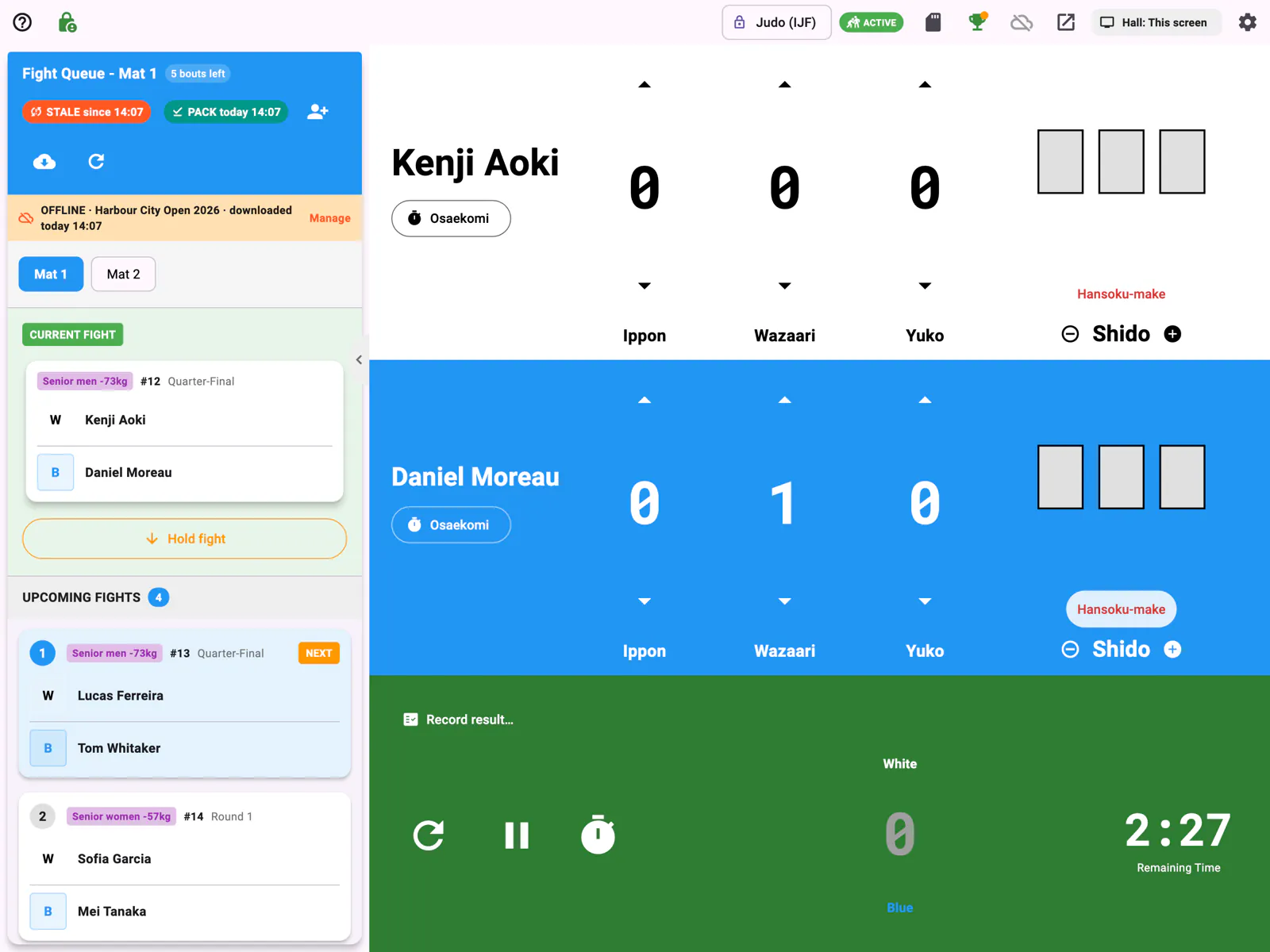
There's nothing to download by hand: when a board connects, it keeps a copy of the tournament's fights on the device, and the PACK chip in the queue shows when. If the venue's internet drops, the queue shows OFFLINE, the board keeps scoring from that copy, and it sends the results once the connection is back. On Tournaments, On this device lists the tournaments kept on the board, and Use or manage offline data (N) opens them, with Use, Update and Delete. More in Using the board offline.
Scoring & results
Select a fight from the queue to bring it up and mark it in progress, then score it on the board. When you finish the fight, its result — winner, win type, and scores — is sent back to the tournament, which records the winner and, for bracketed formats, advances the draw automatically. You never type scores into the web dashboard; the scoreboard is the source of truth.
Seeing who's connected
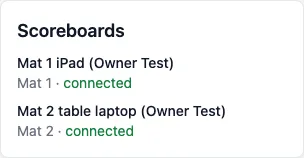
On the web side, the tournament's Control page shows each board under Scoreboards, by its Scoreboard name, with its mat and connected (or when it was last seen). Mat Connections shows Ready for a mat whose board is connected, and Live bouts shows which board holds each bout. Mats today shows when each board started its mat.